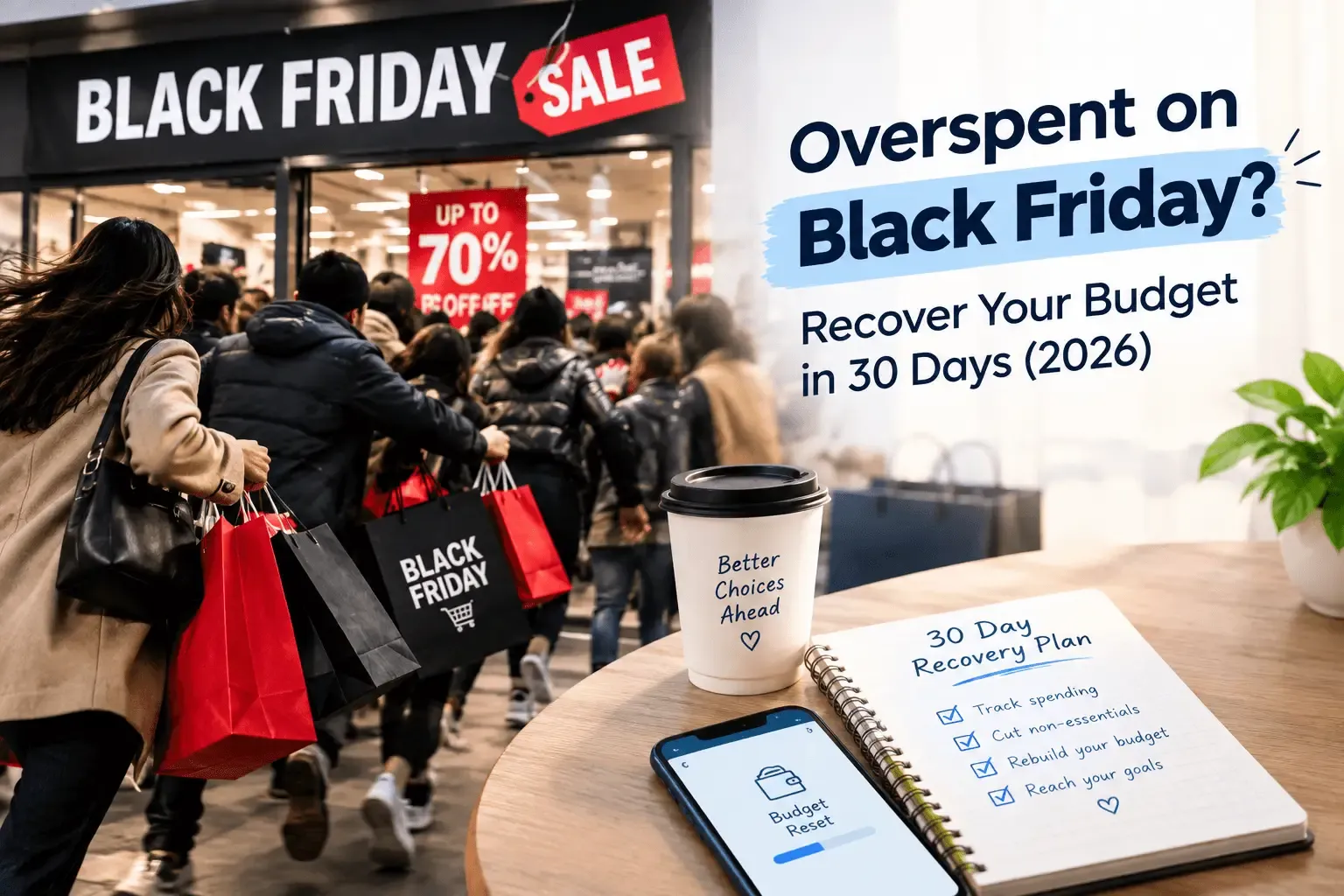
If you overspent on Black Friday, start recovery immediately with four steps:
1) Get an exact number — total every purchase made across Black Friday and Cyber Monday, including BNPL commitments not yet paid.
2) Return what you genuinely don't need — most retailers allow returns within 30 days.
3) Freeze all non-essential spending for the next 30 days using a category budget in AI Expense Notebook.
4) If you carried the spend on a credit card, pay it off before interest compounds — at 21% APR, a $500 balance carried for 12 months costs you $105 in interest alone. 60% of Black Friday shoppers regret at least one purchase. The 30-day window after Black Friday is your reset opportunity.
First: You're in the Majority
Before the recovery plan — a piece of context worth having: overspending on Black Friday is not a personal failure. It is the expected outcome of a multi-billion dollar retail machine engineered specifically to get you to spend more than you planned.
60% of Black Friday shoppers regret at least one purchase. The average regretted item costs $233. 28% of credit card users admitted to unplanned overspending on Black Friday 2025. Shoppers using credit cards spent 18% more on average than those paying with debit or cash. Total Black Friday credit card debt in 2025 exceeded $25 billion. Sources: Finder.com, CoinLaw.io, GrabOn Black Friday Statistics 2025–2026.
The regret is real. So is the path back. The 30 days after Black Friday are actually your best window to reset — return windows are still open, the numbers are fresh, and the psychological contrast between the spending high and the hangover makes cutting back feel easier than it will in February. Use that window.
Step 1: Get the Exact Number — Today
Most post-Black Friday regret is diffuse because people don't know their exact total. They know they spent 'a lot' — but not $347 or $612. Vagueness prevents action. A specific number creates one.
Open every account you used — card statements, PayPal, Apple Pay, Amazon orders, BNPL apps (Klarna, Afterpay, Affirm). List every Black Friday and Cyber Monday purchase with its amount. Add it up. Write the total somewhere visible.
If you used AI Expense Notebook during Black Friday, this is already done — open the app, filter by your Black Friday date range, and your category totals are waiting. If you didn't track in real time, this manual audit is your starting point and the reason to track next year.
→ Credit card purchases — check your statement or app for Nov 28–Dec 2 transactions
→ Online orders — check Amazon, ASOS, and any retailer confirmation emails
→ BNPL commitments — Klarna, Afterpay, and Affirm show your full scheduled repayment
→ In-store receipts — anything you kept; scan them now into AI Expense Notebook
→ Include delivery fees, tip, and any 'add-ons' to qualify for free shipping
If you tracked with AI Expense Notebook: Go to Reports → set your date range to Black Friday weekend → your full spend breakdown by category is already there. Export it as PDF or CSV. That's your audit done.
Step 2: Return Everything You Can — Right Now
The 30-day window is your most powerful recovery tool and it closes fast. Go through your list and ask one question for each item: 'Would I have bought this at full price, without the sale pressure?'
If the answer is no — return it. No negotiation, no 'I might use it eventually.' The dopamine that made it feel essential on Black Friday is gone. Trust the cold assessment.
Retailer | Standard Return Window | Notes |
Amazon | 30 days from delivery | Free returns on most items — initiate via app |
Walmart | 30–90 days by category | Electronics: 30 days; most others: 90 days |
Best Buy | 15–30 days | Members get extended returns; check receipt |
Target | 30–90 days | RedCard holders get extra 30 days on most items |
ASOS | 45 days | Free returns via QR code drop-off |
Apple | 14 days | Strict window — act fast on Apple purchases |
Most fashion | 28–30 days | Check for 'sale item' exclusions — common |
Every successful return directly reduces the debt. A $89 clothing return is $89 off the credit card bill. Don't delay — Apple's 14-day window is already counting down.
→ See also: Black Friday Budget Before Spending
Step 3: If You Put It on a Card — Pay It Off Before It Grows
Credit card debt from Black Friday is not abstract. It has a daily cost. Here is what carrying common overspend amounts actually costs at the current average credit card APR of 21%:
BF Overspend | Interest over 3 months | Interest over 6 months | Interest over 12 months |
$250 | +$13 | +$26 | +$52 |
$500 | +$26 | +$53 | +$105 |
$1,000 | +$53 | +$105 | +$210 |
$1,500 | +$79 | +$158 | +$315 ⚠️ |
$2,500 | +$131 | +$263 | +$525 ❌ |
The interest cost of carrying Black Friday debt is money you pay for purchases you already made — and already own. Every month you carry the balance, the effective price of every item rises. Paying it off in December is always cheaper than paying it off in March.
The Debt Priority Order
If you have multiple forms of Black Friday debt, pay them off in this order:
- BNPL instalments due soonest first — missed payments trigger fees and hurt credit scores
- Highest-APR credit card — usually store cards (25–30% APR) before general cards (18–22%)
- Lowest balance first if APRs are similar — the psychological win of clearing a card fuels momentum
- BNPL with 0% interest last — only if truly interest-free and no early repayment benefit.
Step 4: The 30-Day Spending Freeze
A spending freeze is not no-spend. It's a temporary return to essentials only — while the Black Friday damage is repaired and before Christmas spending begins. 30 days of disciplined spending recovers more ground than any other single action.
What Stays — Essentials Only
✅ Rent / mortgage — non-negotiable
✅ Utilities and bills — non-negotiable
✅ Groceries — home cooking only, no dining out or delivery
✅ Transport to work — fuel or transit pass
✅ Essential medication and healthcare
What Pauses — For 30 Days
❌ Dining out and food delivery — cook at home
❌ Clothing, accessories, and any further 'deals'
❌ Entertainment subscriptions you added recently
❌ Impulse online browsing with saved card details
❌ Any non-essential purchase over $20 without 48 hours consideration
Track the Freeze in Real Time with AI Expense Notebook
Set your 30-day essentials budget in AI Expense Notebook right now. Create two categories: Essentials (groceries, transport, bills) and Freeze Buffer (emergencies only). Scan every grocery receipt immediately. Log every cash purchase. The budget bars turn orange when you're approaching the limit — that visual is your daily reminder that the freeze is working.
30-Day Freeze Setup in AI Expense Notebook: Budget Planner → set Groceries, Transport, Bills to realistic monthly limits. Set all discretionary categories (Dining, Shopping, Entertainment) to $0 for December. The red bar on a $0 category is the most effective spending deterrent available. Free on iOS and Android — no bank connection required.
Download free: App Store (iOS) · Google Play (Android)
→ See also: How to save $1,000 in 3 months
Step 5: Handle Christmas Without Adding More Debt
The cruel timing of Black Friday is that Christmas follows immediately. Recovering from one spending event while the next one opens is the tightest financial squeeze of the year.
Two rules that let you do both:
Rule 1: Count Black Friday Gifts Against Your Christmas Budget
Any gifts you bought on Black Friday belong inside your Christmas budget — not in addition to it. If you spent $200 on Christmas gifts on Black Friday, your remaining Christmas gift budget is $200 less, not unchanged. Treating Black Friday as a bonus shopping event separate from Christmas is how people end up doubling their holiday spend without noticing.
Rule 2: Christmas Doesn't Require New Spending for Everyone
Experiences, time, and presence are genuinely more valued by most people than additional physical items — especially by people who already have what they need. A home-cooked dinner, a planned activity, or a heartfelt card costs a fraction of a retail gift. This year especially, with Black Friday already spent, it's worth having an honest conversation with family about keeping gift-giving simple.
→ See also: How to save money for Christmas without stress
The 30-Day Recovery Calendar
Here is exactly what to do each week to be financially stable by December 28th:
Week 1 (Nov 28 – Dec 4) — Audit and Act
- Get your exact Black Friday total — every purchase, every platform
- Initiate returns on any item that fails the 'full price' test
- Set your 30-day freeze budget in AI Expense Notebook
- Make minimum payment on any credit card with BF charges — stop interest accruing
- Cancel any subscription you signed up for during a BF deal and don't need
Week 2 (Dec 5 – Dec 11) — Freeze Holds, Returns Arrive
- Track every expense in AI Expense Notebook — no exceptions
- Confirm return credits have appeared on your card/account
- Make a larger-than-minimum payment on BF credit card debt if returns freed up cash
- Set your Christmas gift budget based on what you have left — not what you wish you had
- Weekly spending review: open AI Expense Notebook Insights tab, check vs. freeze budget
Week 3 (Dec 12 – Dec 18) — Christmas Without Extras
- Complete all Christmas gift purchases — within the adjusted budget only
- Scan every gift receipt immediately into AI Expense Notebook
- Log online Christmas orders manually when placed — not when delivered
- Resist Cyber Monday leftovers and pre-Christmas 'last chance' sale emails
- Second weekly review: total spend since Nov 28th vs. recovery target
Week 4 (Dec 19 – Dec 28) — Close Out and Reset
- Final Christmas purchases completed — no last-minute impulses
- Export your full November 28th – December 28th report from AI Expense Notebook
- Calculate your recovery: total spent vs. total recovered via returns + frozen spending
- Make a final payment toward BF debt — aim to clear as much as possible before January
Set your January budget in the app — start the new year with a real spending plan
Frequently Asked Questions
What should I do if I overspent on Black Friday?
Act immediately with four steps: (1) Get your exact total across all purchases and BNPL commitments. (2) Return anything that fails the 'would I buy this at full price?' test — most retailers allow 30 days. (3) If you used a credit card, make more than the minimum payment before interest compounds. (4) Set a 30-day spending freeze on non-essentials in AI Expense Notebook and track every expense in real time.
How long does it take to recover from Black Friday overspending?
With a structured plan, most people can recover in 30 days. The key levers: returns (immediate cash recovery), a non-essential spending freeze for December, and prioritising credit card payoff before interest compounds. At 21% APR, a $500 Black Friday balance costs $105 in interest if carried for 12 months. Paying it off in December costs $0 in interest.
How do I avoid a January debt hangover after Black Friday?
Three actions taken in the first week of December prevent a January hangover: return items you don't genuinely need, count Black Friday gifts against your Christmas budget (not in addition to it), and impose a 30-day freeze on non-essential spending. Track everything in AI Expense Notebook so you see the real number before January's statement arrives.
Is it too late to return Black Friday purchases?
Most major retailers allow 30 days from delivery, giving you until late December for Black Friday purchases. Amazon: 30 days. Walmart: 30–90 days by category. Target: 30–90 days. ASOS: 45 days. Apple is the exception at 14 days — act immediately if you have Apple purchases to return. Check individual retailer policies, especially for electronics, which often have shorter windows.
How do I set a no-spend month after Black Friday?
Open AI Expense Notebook and set your non-essential category budgets (Dining, Shopping, Entertainment) to $0 for December. Set realistic limits for essentials only: groceries, transport, and bills. Scan every receipt and log every cash purchase in real time. The red budget bar on a $0 category is a constant, frictionless reminder that the freeze is in effect.
AI Expense Notebook Free — Start Your 30-Day Recovery Today
⬇ App Store — iPhone & iPad | ⬇ Google Play — Android