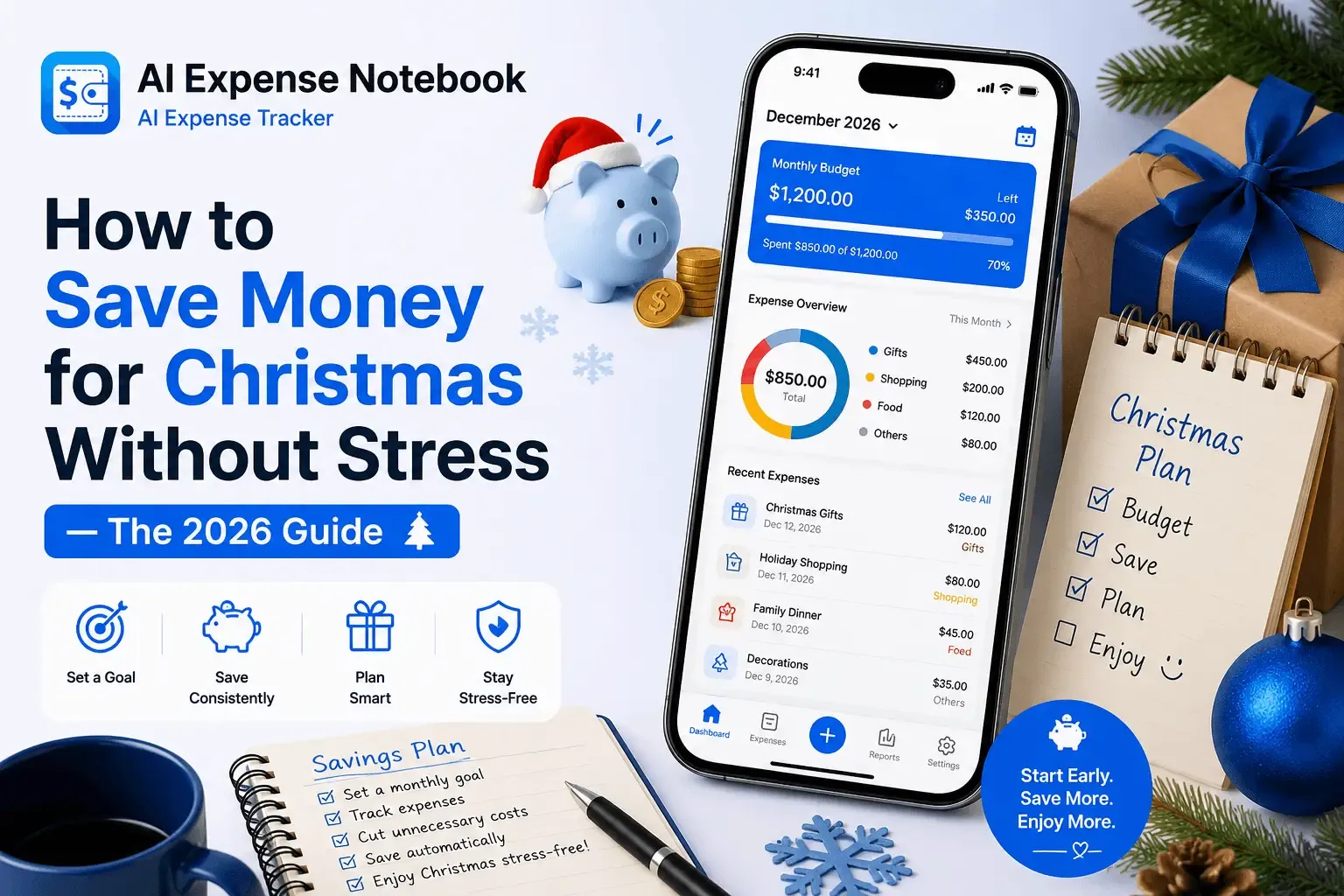
To save money for Christmas without stress: (1) Set a firm total Christmas budget before you spend a single penny. (2) Break it into categories — gifts, food, decorations, travel, and a buffer for surprises. (3) Start saving monthly from at least August — even $50/month from August gives you $200 by December. (4) Track every Christmas-related purchase as it happens using a free expense tracker app like AI Expense Notebook, so you never drift past your limit without realising it. The average household overspends Christmas by $300–$500 because they set a budget but never track against it in real time.
Why Christmas Feels So Financially Stressful Every Single Year
Christmas spending anxiety follows the same pattern for most people. In October, you tell yourself you'll be sensible this year. In November, the sales start and the list gets longer. In December, panic buying kicks in. In January, the credit card bill arrives and the regret begins.
The problem is almost never a lack of money. It's a lack of a real-time plan. Most people set a Christmas budget — then never look at it again until the damage is done. A number in your head is not a budget. A budget you're not tracking is just a wish.
The average household spends over $1,000 on Christmas — gifts, food, travel, and décor. More than half use credit cards to cover the cost. Most overspend their original budget by $300–$500 simply because they stopped tracking after the first week of December.
This guide gives you the exact system to stop that cycle: a Christmas budget that has real categories, a savings schedule that starts before panic sets in, and a free app — AI Expense Notebook — that tracks every Christmas spend in real time so you arrive at December 25th with receipts under control, not a credit card hangover.
1. How to Set a Realistic Christmas Budget in 15 Minutes
The word 'budget' puts most people off because it sounds like restriction. A Christmas budget is the opposite — it's what lets you spend confidently, without checking your bank balance in a cold sweat on December 23rd.
Step 1: Write down last year's Christmas total
Before you can set a realistic budget, you need to know what Christmas actually costs you — not what you planned to spend, but what you actually spent. Include gifts, food, drinks, decorations, travel, wrapping, cards, and any charitable giving.
If you used AI Expense Notebook last Christmas, pull your December report — your actual spend by category is already there. If you're starting fresh this year, estimate based on bank and card statements from last December.
Step 2: Set your total Christmas number
Your total Christmas budget should be a specific number — not 'around £500' but '£500 exactly.' Write it down. This number becomes the ceiling everything else sits under. If last year's total was more than you want to repeat, set this year's number 20% lower and we'll show you how to hit it.
Step 3: Split your total across 5 categories
Most Christmas overspending happens because people only think about gifts. Gifts are one of five budget categories. Here is how a £500 Christmas budget might look when properly split:
Category | Example % | Example £500 Budget | Common Trap |
Gifts | 45% | £225 | Buying for people not on your list |
Food & Drink | 25% | £125 | Impulse buys at the supermarket |
Travel | 15% | £75 | Last-minute bookings at peak prices |
Decorations | 8% | £40 | Replacing things you already own |
Buffer / Extras | 7% | £35 | Cards, wrapping, tips, donations |
Adjust these percentages to your situation. If you have a big family that travels together for Christmas, travel may take 30%. If you exchange gifts with six friends and one office Secret Santa, gifts may take 55%. The point is to plan every category before you spend anything.
AI Expense Notebook tip: Once you have your 5 category budgets, set them directly in the AI Expense Notebook budget planner. The app tracks your Christmas spending against each category limit in real time — so when you're about to overspend on gifts, you know before you tap 'buy', not after the bill arrives.
2. The Month-by-Month Christmas Savings Schedule
The most effective way to save money for Christmas is to start so early that you never feel the pinch. Small amounts saved consistently beat large amounts saved in a panic.
Here is a practical savings schedule depending on when you start — and what your total Christmas budget is:
Start Month | Months Left | Save for £300 | Save for £600 | Save for £1,000 |
January | 11 | £27/month | £55/month | £91/month |
March | 9 | £33/month | £67/month | £111/month |
June | 6 | £50/month | £100/month | £167/month |
August | 4 | £75/month | £150/month | £250/month |
October | 2 | £150/month | £300/month | £500/month |
November | 1 | £300 now | £600 now | £1,000 now ⚠️ |
The table makes one thing clear: the earlier you start, the less it hurts. Starting in August to save £300 costs you £75 a month — less than most people spend on takeaway. Waiting until November means finding £300 in a single month, which is where Christmas debt begins.
The Sinking Fund Method
A sinking fund is a savings pot dedicated entirely to a single planned expense. Create a Christmas sinking fund — a separate savings account or an envelope — and transfer your monthly Christmas amount to it automatically on payday. You won't miss money you never see in your main account.
Track your sinking fund balance in AI Expense Notebook using the Savings Goal feature. Set your Christmas target (e.g. £600), set the deadline as December 1st, and the app shows you exactly how much to save each month and your progress to date.
Pro tip: Name your savings goal 'Christmas 2026' in AI Expense Notebook. Every time you log a deposit, watching the progress bar fill up is genuinely motivating — especially when you see you're already 60% funded in September.
3. How to Track Every Christmas Purchase in Real Time
Setting a Christmas budget is step one. Tracking against it in real time is what actually stops the overspend. Most people do step one and skip step two.
Here is exactly how to track your Christmas spending using AI Expense Notebook — from the first gift bought in October to the Boxing Day food shop.
Set up your Christmas budget categories in the app
Open AI Expense Notebook and create dedicated budget categories for your Christmas spending — or use the existing categories (Shopping, Food & Dining, Travel). Set the monthly budget limit for each category to your Christmas allocation. From this point, every Christmas expense you log is automatically tracked against the relevant limit.
Scan every Christmas receipt as you buy
Every time you buy a Christmas gift, pick up food for the Christmas dinner, or pay for a decoration — scan the receipt immediately with AI Expense Notebook's AI Magic Scan. Point your camera at the receipt, confirm the AI extraction (merchant, amount, category), and it's logged in under 3 seconds.
This one habit — scan the receipt before you leave the shop — is the difference between staying in budget and discovering in late December that you spent £80 more than planned on food alone.
Log online purchases and cash manually
For online orders (Amazon, ASOS, Etsy), add a manual entry the moment you place the order — not when it arrives. This way your 'spent' figure reflects money already committed, not just money already in your hands.
→ Amazon gift order: Add Manually → Shopping → £34.99 → note 'Mum gift'
→ Cash at Christmas market: Add Manually → Shopping → £22 → note 'mulled wine & crafts'
→ Food shop (receipt): AI Magic Scan → confirmed in 3 seconds
→ Travel booking: Add Manually → Travel → £89 → note 'train tickets Dec 24'
Check your budget bar before every purchase
Before you buy anything Christmas-related, open AI Expense Notebook and check the budget bar for that category. If your Gift budget shows 80% used and you're only in mid-November, you know to slow down — before you've committed the money, not after.
How AI Expense Notebook helps at point of purchase: The app's real-time budget bars update the moment you log an expense. If you're in a shop holding a £45 gift and you check the app — seeing your Gift category is at £195 of a £225 budget — you know exactly whether you can buy it. That 10-second check is what stops the £300 Christmas overspend.
→ Download AI Expense Notebook free: App Store (iOS) · Google Play (Android)
4. The Gift List Method That Stops Budget Creep
The single biggest cause of Christmas budget creep is an undefined gift list. When you don't know exactly who you're buying for, what you're buying, and what you're spending per person — you add, upgrade, and impulse buy your way to spending £150 more than planned.
Write every name with a hard spending limit before you shop
Get a piece of paper or open the notes app. Write every person you're buying a gift for. Next to each name, write the exact amount you're spending — not 'around £30' but '£30.' Add it all up. If the total exceeds your gift budget, reduce individual amounts before you go near a shop or website.
❌ No adding names once the list is set — if someone new gets added, someone else gets removed or amounts are reduced proportionally
❌ No upgrading a gift because 'it was only £10 more' — £10 more on six gifts is £60 over budget
❌ No 'I'll just get something small for...' — a small gift is still a gift spend
❌ Secret Santa and group gifts count — add them to the list at the agreed amount
Log each gift purchase against the name in AI Expense Notebook
When you buy each gift, log it in AI Expense Notebook with a note — for example, 'Dad gift' or 'office Secret Santa.' Over the Christmas period, you can see at a glance which people you've bought for and what you've spent on each, making it easy to spot if one person's gifts have crept beyond their limit.
5. How to Cut Christmas Spending Without Cutting Christmas Joy
Saving money for Christmas doesn't mean a worse Christmas. The most memorable Christmas moments are almost never the most expensive ones. Here are practical ways to cut the bill without reducing the joy:
✦ Set a group gift cap with family
Suggest a per-person gift limit with siblings, cousins, and extended family. Most people are quietly relieved when someone proposes it. £20 per person with five cousins saves you £100 instantly compared to £40 each.
✦ Buy gifts in October and November sales
Black Friday (late November) offers genuine discounts on items that will be full price in December. Write your gift list by October, shop the sales, and you can cut your gift total by 20–30% with zero reduction in quality.
✦ Make the food list before you go
Christmas food overspend happens in the supermarket. Go with a precise list of what you're cooking and for how many people. Scan the receipt when you're done and log it against your Food budget. A second unplanned trip to the supermarket in December typically costs 40% more than the planned one.
✦ Cut the decorations budget
New decorations every year is a habit, not a requirement. Audit what you already own before buying anything new. If you set a strict decoration budget (say £30) and track it with AI Expense Notebook, you'll spend deliberately rather than impulsively.
✦ Give experiences, not things
A home-cooked dinner, a day trip, a film night, or a handwritten letter costs a fraction of a physical gift and is often more meaningful. For parents, grandparents, and close friends, experience-based gifts land well and free up budget for people where a physical gift matters more.
✦ Track the 'small' purchases — they're not small
Christmas cards, wrapping paper, tape, gift bags, crackers, a bottle of wine for the neighbour, a small gift for the postman — individually they feel trivial. Collectively they add up to £60–£100 that most people don't have budgeted. Log every one of them in AI Expense Notebook under your Buffer category.
6. The 6 Christmas Spending Mistakes That Blow the Budget
Even with a plan, specific habits derail Christmas savings every year. Knowing them in advance is how you avoid them.
Mistake 1: Setting a budget in their head, not on paper (or in an app)
A mental budget is vague. A vague budget bends. Write your Christmas budget down — or better, set it in AI Expense Notebook where it tracks itself.
Mistake 2: Only budgeting for gifts
Gifts are one of five cost areas. Food, travel, decorations, and miscellaneous expenses together often exceed the gift total. Budget all five categories.
Mistake 3: Starting to save in November
November savings feel dramatic because the amounts needed are large. Starting in August or September — with modest monthly amounts — removes all financial pressure from the season.
Mistake 4: Shopping without a gift list
Walking into a shop or browsing Amazon without a specific list leads to impulse buys, duplicates, and gifts for people who weren't on your list.
Mistake 5: Ignoring small purchases
Christmas cards, gift wrap, a bottle for the host — these feel tiny and go untracked. They are rarely tiny in total. Log everything.
Mistake 6: Using credit cards without tracking
Credit cards delay the pain of spending. People who pay by card consistently overspend their Christmas budget more than cash spenders — because the pain of paying doesn't arrive until January.
The fix for all 6 mistakes: AI Expense Notebook puts your Christmas budget on your phone, tracks every purchase as it happens — card or cash, receipt or no receipt — and shows you your remaining budget in real time. It's the difference between guessing and knowing. Download free on iOS and Android. No bank link required.
7. Your Complete Month-by-Month Christmas Savings Plan
Here is an actionable month-by-month plan that takes you from 'I should save for Christmas' to a stress-free December 25th. Save this page.
August — Set the budget
✓ Decide your total Christmas budget and split it across 5 categories
✓ Set up a Christmas Savings Goal in AI Expense Notebook
✓ Open a dedicated savings pot or envelope for Christmas funds
✓ Set up an automatic monthly transfer to your Christmas savings pot
✓ Write a rough list of everyone you'll buy gifts for
September — Start the list
✓ Finalise your gift list with a hard spending limit per person
✓ Research gift ideas — don't buy yet, just research
✓ Check your savings goal progress in AI Expense Notebook
✓ Make one budget category tweak if your estimates changed
October — Buy early
✓ Start purchasing gifts for people whose interests you know well
✓ Log every gift purchase in AI Expense Notebook immediately
✓ Check Black Friday deal lists — know what you want before November
✓ Book any Christmas travel now (cheapest prices are typically 6–8 weeks out)
✓ Scan all travel receipts into AI Expense Notebook
November — Black Friday and halfway check
✓ Run your mid-point budget review in AI Expense Notebook
✓ Shop Black Friday deliberately — only items already on your list
✓ Log all Black Friday purchases immediately, not in a batch later
✓ Check your 5 category budgets: gifts, food, travel, decorations, buffer
✓ Make a Christmas food list — detailed, with quantities
December 1–15 — Final push
✓ Complete all gift buying in the first two weeks
✓ Do one main Christmas food shop — stick to the list
✓ Scan every receipt the day you shop, not in a batch
✓ Check AI Expense Notebook budget bars daily — course-correct immediately if any category is over
✓ Wrap gifts as you buy them — it stops 'I'll just get one more thing' impulses
December 16–25 — Enjoy it
✓ Your gifts are bought, your food is planned, your budget is tracked
✓ Log the remaining small purchases: cards, last-minute extras, Boxing Day plans
✓ Review your full Christmas spend in AI Expense Notebook
✓ Note what to do differently next year while it's fresh
✓ Start your January savings contribution — your Christmas 2027 fund begins now
8. Step-by-Step: Using AI Expense Notebook for Your Christmas Budget
Here is the complete walkthrough for setting up and using AI Expense Notebook specifically for your Christmas budget — from first download to December 26th review.
Step 1 Download AI Expense Notebook — free
Search 'AI Expense Notebook' on the App Store (iPhone) or Google Play (Android). Free to download. No bank account connection, no email signup required. You're ready to track within 60 seconds of opening the app store.
Download: App Store (iOS) · Google Play (Android)
Step 2 Create a Christmas Savings Goal
Tap 'Savings Goals' → 'Add New Goal.' Name it 'Christmas 2026,' enter your total Christmas budget as the target amount, and set the deadline to December 1st. The app calculates how much you need to save per month automatically. Log your monthly transfer to your Christmas savings pot here each month.
Step 3 Set your 5 Christmas budget categories
Go to Budget Planner and set monthly limits for your five Christmas categories: Gifts (Shopping), Food (Food & Dining), Travel, Decorations (Shopping), Buffer (Miscellaneous). Use your category amounts from Section 1. These limits become your real-time guardrails.
Step 4 Scan Christmas receipts with AI Magic Scan
Every time you make a Christmas purchase with a receipt — a gift from a shop, the Christmas food shop, a decoration from a market — tap AI Magic Scan, point at the receipt. AI extracts merchant, amount, category, and date in under 3 seconds. Add a short note: 'Dad gift' or 'Christmas dinner food.' Confirm and save.
Step 5 Log online and cash purchases manually
For Amazon orders, online gift purchases, cash at Christmas markets, or any receipt-free spend — tap 'Add Manually.' Select category, enter amount, add a note, save. Takes 8–10 seconds. Online orders: log when you place the order, not when it arrives — you've committed the money the moment you click buy.
Step 6 Check your budget bars before every purchase
Before any Christmas purchase, open the app and check the relevant category bar. Green means you have room. Orange means you're approaching the limit. Red means you're over. Use this check before you commit to any purchase — especially in shops, where it's easiest to 'just grab one more thing.'
Step 7 Run your mid-November budget review
In mid-November, open AI Expense Notebook and review your Christmas spending across all 5 categories. See what's left in each. Adjust your remaining purchases accordingly. This review takes 5 minutes and prevents the December panic.
Step 8 Export your December 26th report
After Christmas, export your monthly report from AI Expense Notebook. You'll see exactly what you spent across every category, compared to your budget. Use this to plan next year's budget with real numbers — not guesswork.
Frequently Asked Questions
Q: How much should I budget for Christmas?
The right Christmas budget depends on your income, family size, and traditions. A practical rule is to spend no more than 1.5% of your annual income on Christmas — so £24,000/year = £360 Christmas budget. More important than the number is tracking it: use AI Expense Notebook to split your budget across gifts, food, travel, decorations, and a buffer, then track every purchase in real time against each limit.
Q: How early should I start saving for Christmas?
Start saving for Christmas in August at the latest — ideally January. Starting in August with a £400 target means saving £100/month across four months: manageable for most budgets. Waiting until November means finding the full amount in one or two months, which is where Christmas debt begins. Use the Savings Goal feature in AI Expense Notebook to track monthly progress.
Q: What is the best app to track Christmas spending?
The best app to track Christmas spending in 2026 is AI Expense Notebook, available free on iOS and Android. It lets you set category budgets for gifts, food, travel, and decorations, then track every purchase in real time using AI receipt scanning or manual entry. No bank connection required. Real-time budget bars tell you exactly how much you have left in each category.
Q: How do I stop overspending at Christmas?
To stop overspending at Christmas: (1) Set a firm total budget before you shop. (2) Split it across 5 categories — gifts, food, travel, decorations, and a buffer. (3) Write a gift list with a hard spending limit per person. (4) Track every purchase in real time with AI Expense Notebook — scan receipts instantly, log cash manually. (5) Check your budget bar before every purchase, not after.
Q: How do I save for Christmas on a tight budget?
On a tight budget, start saving as early as possible — even £20/month from January gives you £220 by November. Focus your gift list on fewer people with a lower per-person limit. Shop Black Friday sales for items already on your list (not for impulse deals). Track every Christmas-related spend in AI Expense Notebook so nothing slips through unnoticed. Small amounts tracked consistently beat large amounts spent reactively.
Q: Should I use a separate account for Christmas savings?
Yes. A dedicated Christmas savings account or savings pot prevents your Christmas fund from mixing with everyday spending. Set up an automatic transfer on payday — you won't miss money you never see in your main account. Track your Christmas savings goal progress in AI Expense Notebook alongside your spending tracking, so your savings and expenses are visible in one place.
Q: How do I track Christmas gifts I've bought?
Use AI Expense Notebook to log every gift purchase with a note — for example, 'Mum gift - scarf' or 'office Secret Santa.' Scan the shop receipt with AI Magic Scan for automatic data extraction, or add online orders manually when you place them. You can review the full list at any time to see who you've bought for, what you spent per person, and what's left in your gift budget.
Q: What is a Christmas sinking fund?
A Christmas sinking fund is a dedicated savings pot for your Christmas expenses. You set a Christmas budget total, divide it by the number of months before December, and transfer that amount every month into a separate account. By December, the full budget is funded and you spend it without touching your regular income. Track your sinking fund target and monthly contributions using the Savings Goal feature in AI Expense Notebook.
Start Your Stress-Free Christmas Plan Today
Christmas stress is almost always financial stress. And financial stress at Christmas almost always comes from one thing: spending without tracking.
AI Expense Notebook gives you a Christmas budget that tracks itself — in real time, on your phone, for free. Set your 5 categories, scan every receipt, log every cash purchase, and check your budget bar before you buy. By December 25th, you'll know exactly what you spent and why — with no January surprises.
✅ Set a Christmas budget across 5 categories in under 15 minutes
✅ Scan every gift and grocery receipt in under 3 seconds
✅ Log cash purchases — Christmas markets, tips, cards — in 10 seconds
✅ Check real-time budget bars before any purchase
✅ Track your Christmas savings goal month by month
✅ Run a December 26th report — know your real Christmas total
✅ No bank account connection required
✅ Free on iPhone and Android
Download AI Expense Notebook Free — Start Your Christmas Budget Today