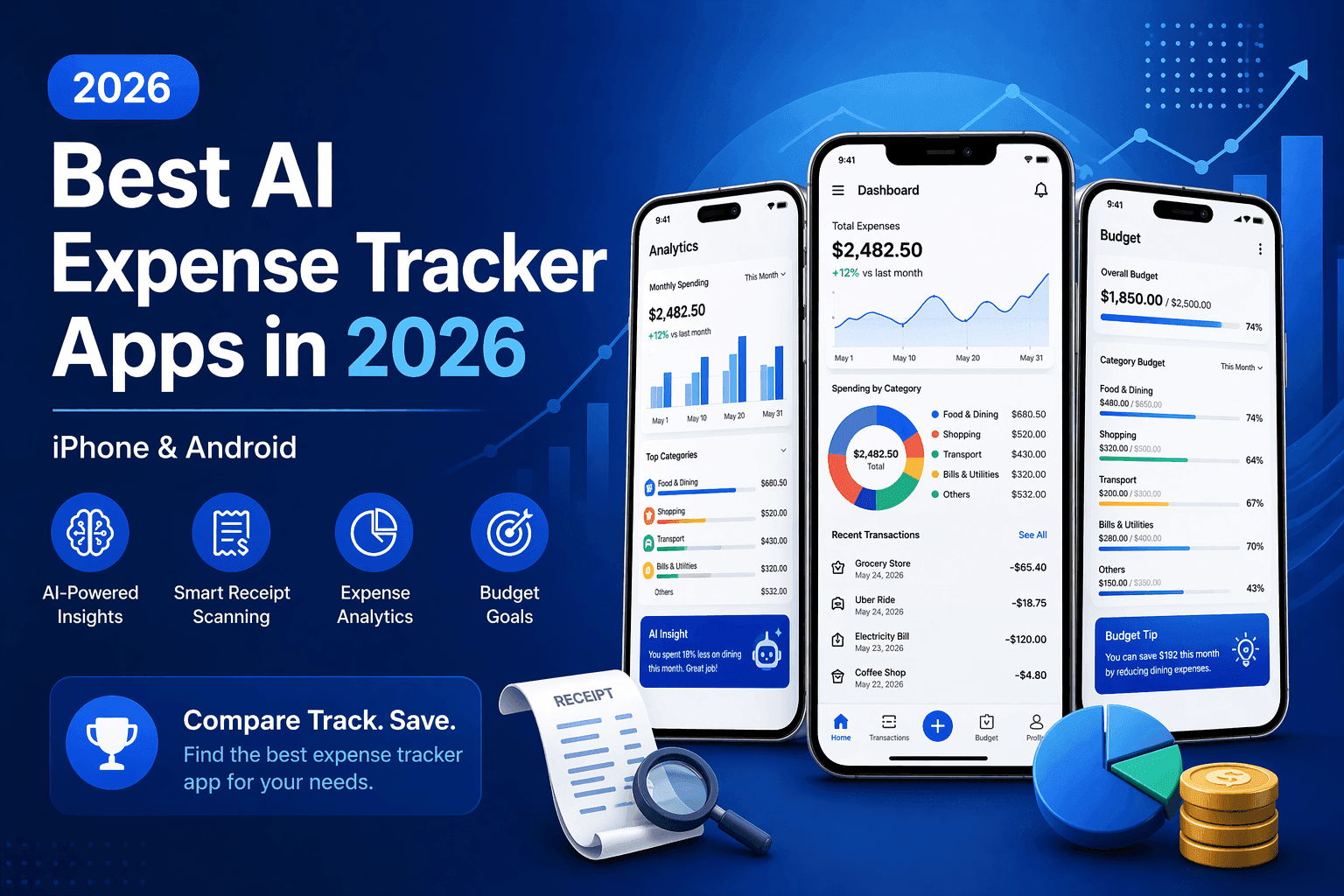
Tracking expenses used to mean keeping paper receipts, building spreadsheets, or wrestling with bloated finance apps that need a tutorial just to get started. In 2026, AI has changed all of that.
Today's best AI expense tracker apps can scan a receipt in seconds, automatically extract the merchant, price, category, and tax, and organize everything into clean spending summaries without you lifting more than your phone's camera.
But not all AI expense apps are created equal. Some are designed for enterprise finance teams. Others are so minimal they miss critical features. And many charge steep subscriptions for basic functionality.
In this guide, we compare the top AI expense tracker apps for iPhone and Android in 2026, covering features, pricing, and who each app is best suited for. We'll also show you why AI Expense Notebook stands out as the top pick for everyday users who want simplicity and smart automation without the complexity.
Read Also: How to track overspending with 5 budget tracking steps
What Is an AI Expense Tracker App?
An AI expense tracker app is a mobile application that uses artificial intelligence specifically OCR (Optical Character Recognition) and machine learning to automatically read, categorize, and organize your spending data.
Unlike traditional expense apps where you manually type every transaction, AI-powered apps let you:
Snap a photo of a receipt and have the app extract all key data automatically
Get AI-suggested spending categories without manual tagging
See visual summaries and insights about your spending patterns
Track expenses across multiple categories with minimal effort
In 2026, the best AI expense tracker apps combine this automation with clean, intuitive interfaces — so you actually use them daily, rather than giving up after week one.
What to Look for in an AI Expense Tracker
Before diving into specific apps, here are the features that separate a great AI expense tracker from a mediocre one:
✓ AI Receipt Scanning Accuracy
The app should reliably extract merchant name, date, total, tax, and category from a photo — including crumpled or faded receipts.
✓ Manual Entry Support
AI fails sometimes. The best apps let you add or edit entries manually without friction.
✓ Clean, Simple Interface
Complexity kills habit. An app you find confusing is an app you stop using. Look for clean UI and fast logging.
✓ Budget Planning & Alerts
Category-level budgets and overspend alerts help you act on your data, not just collect it.
✓ Cross-Platform Availability
Your expense app should work on both iPhone and Android, especially if you switch devices.
✓ Privacy & Data Security
Your spending data is sensitive. Choose apps that are transparent about how data is stored and whether it is sold.
Best AI Expense Tracker Apps in 2026 — Full Comparison
App | AI Receipt Scan | Manual Entry | Clean UI | Free Tier | Platform | Best For |
AI Expense Notebook | ✅ AI Magic Scan | ✅ Full control | ✅ Minimal & clean | ✅ Yes | iOS + Android | Everyday personal use |
Expensify | ✅ SmartScan | ✅ Yes | ⚠️ Feature-heavy | ⚠️ Limited | iOS + Android | Business teams |
Zoho Expense | ✅ Yes | ✅ Yes | ⚠️ Moderate | ✅ Yes | iOS + Android | SMBs on budget |
PocketGuard | ❌ No | ✅ Yes | ✅ Yes | ✅ Yes | iOS + Android | Automatic limits |
YNAB | ❌ No | ✅ Yes | ⚠️ Learning curve | ❌ No | iOS + Android | Structured budgeters |
1. AI Expense Notebook — Best Overall AI Expense Tracker in 2026
Platform: iOS & Android | Price: Free (Premium available) | Download: App Store / Google Play
AI Expense Notebook is our top pick for 2026 and for good reason. It delivers exactly what most people actually need: an AI that handles the boring work of scanning receipts, and a clean interface that stays out of your way.
What makes it stand out in a crowded market is the combination of genuine AI capability with deliberate simplicity. There's no steep learning curve, no overwhelming dashboard, and no mandatory bank connection. Just open the app, scan a receipt, and you're done.
Key Features
AI Magic Scan — Point your camera at any receipt and AI instantly extracts the price, category, tax, and labels. No manual typing required.
Manual Entry — Add or edit any expense manually for full control. Perfect for cash purchases or when receipts aren't available.
Smart Budget Planner — Set monthly or daily budgets at the category level and track spending against them in real time.
Visual Insights — Interactive charts and categorized spending summaries give you a clear picture of where your money goes.
Multiple Currencies — Ideal for international users and travel budgeting. Switch currencies without switching apps.
Savings Goal Tracker — Set a target, track progress over time, and stay motivated.
Income & Expense Reports — Export detailed reports for personal review or tax preparation.
Alerts & Bill Reminders — Never miss a payment with customizable reminders.
Privacy First — Data is never sold. Stored securely and kept private.
Who Should Use AI Expense Notebook?
Daily personal expense tracking with zero friction
Students managing a tight monthly budget
Freelancers and self-employed individuals tracking business expenses
Travelers who need multi-currency tracking on the go
Anyone who has tried other apps and given up because they were too complicated
✅ Pros | ❌ Cons |
AI receipt scan is fast and accurate | Advanced accounting integrations not yet available |
Beautifully clean, minimal UI | No desktop/web version currently |
Manual entry available for full control |
|
Multi-currency support built in |
|
Free tier available |
|
Available on both iOS and Android |
|
Privacy-focused — data not sold |
|
Download AI Expense Notebook on the App Store and Google Play — free to get started.
2. Expensify — Best for Business Teams
Platform: iOS & Android | Price: From $5/user/month | Website: expensify.com
Expensify is the market leader in business expense management. Its SmartScan technology reliably extracts receipt data, and it integrates deeply with accounting software like QuickBooks, Xero, and NetSuite. It's built for teams that need approval workflows, corporate card reconciliation, and reimbursement automation.
However, for individual users or anyone who just wants simple personal expense tracking, Expensify can feel overwhelming. The interface is dense, the free tier is limited, and many features are genuinely designed for finance departments rather than everyday budgeting.
✅ Excellent AI receipt scanning (SmartScan)
✅ Deep accounting software integrations
✅ Built for team expense management and reimbursements
❌ Feature-heavy interface — steep learning curve for personal use
❌ Free tier is very limited for regular use
❌ Overkill (and expensive) for individual budgeting
Best for: Finance teams, small businesses with employees who submit expense reports, and professionals who need accounting software integration.
3. Zoho Expense — Best Budget-Friendly Option for Small Business
Platform: iOS & Android | Price: Free plan available; paid from $3/user/month | Website: zoho.com/expense
Zoho Expense is a solid mid-range option, particularly for small businesses already using the Zoho ecosystem (Zoho Books, Zoho CRM, etc.). It offers receipt scanning, expense reports, approval workflows, and a free plan that covers basic needs.
The interface is more functional than beautiful, and the learning curve is steeper than AI Expense Notebook. But if you need business-grade features at a lower price than Expensify, Zoho Expense delivers.
✅ Generous free plan with core receipt scanning
✅ Strong Zoho ecosystem integration
✅ Customizable approval workflows
⚠️ Interface feels cluttered compared to minimalist alternatives
⚠️ Best value only if you use other Zoho products
❌ Not ideal for simple personal expense tracking
4. PocketGuard — Best for Automatic Spending Limits
Platform: iOS & Android | Price: Free; Plus at $12.99/month | Website: pocketguard.com
PocketGuard takes a different approach to expense tracking. Rather than focusing on receipt scanning, it focuses on answering one question: 'How much can I safely spend right now?' Its 'In My Pocket' feature calculates available spending money after bills, savings goals, and necessities updating in real time as you spend.
PocketGuard requires bank account linking to function, which some users prefer (automatic transaction import) and others want to avoid. It does not have AI receipt scanning, making it a poor choice if scanning paper receipts is a priority for you.
✅ Real-time 'safe to spend' calculation is genuinely useful
✅ Automatic bank sync reduces manual logging
✅ Clean, modern interface
❌ No AI receipt scanning feature
❌ Requires bank account connection
❌ Free tier has significant limitations
5. YNAB (You Need A Budget) — Best for Structured Budgeters
Platform: iOS & Android | Price: $109/year (no free tier after trial) | Website: youneedabudget.com
YNAB is beloved by hardcore budgeters who follow its 'give every dollar a job' philosophy. It's not an AI receipt scanning app — it's a full budgeting system. If you commit to the YNAB method, many users report transforming their financial habits entirely.
However, YNAB has a real learning curve, no free tier (after the 34-day trial), and no AI receipt scanning. For anyone who wants automation and simplicity, it can feel like more work than reward.
✅ Proven budgeting methodology with strong community support
✅ Excellent goal-setting and debt tracking tools
⚠️ Significant learning curve — requires commitment to the YNAB method
❌ No AI receipt scanning
❌ No free tier — $109/year is expensive for basic tracking
❌ Overkill if you just need a simple expense log
Which AI Expense Tracker Is Right for You?
Your Situation | Best App for You |
I want simple daily tracking with AI receipt scanning | ✅ AI Expense Notebook |
I'm a student on a tight budget | ✅ AI Expense Notebook (free tier) |
I'm a freelancer tracking business expenses | ✅ AI Expense Notebook |
I travel internationally and need multi-currency | ✅ AI Expense Notebook |
My company needs team expense reports + accounting sync | Expensify |
I want 'safe to spend' automatic calculations | PocketGuard |
I want a complete budgeting philosophy/system | YNAB |
I'm a small business already using Zoho | Zoho Expense |
How to Get Started with AI Expense Notebook in 3 Minutes
Getting started takes less than three minutes. Here's exactly how:
Step 1: Download the app — Search for 'AI Expense Notebook' on the App Store (iOS) or Google Play (Android), or use the direct links.
Step 2: Set up your first budget — Open the app and select Expense or Income. Now choose AI Scan or Manual Entry.
Step 3: Scan your first receipt — Tap the AI Magic Scan button, point your camera at any receipt, and watch the app extract the price, merchant, date, and category automatically. Review and confirm.
Step 4: Add manual entries as needed — For cash expenses or receipts you don't have, tap 'Add Manually' and enter the details in seconds. No complexity, no required fields.
Step 5: Check your spending insights — Open the Visual Insights section to see your categorized spending breakdown.
Ready to start? Download AI Expense Notebook free on the App Store or Google Play.
Conclusion: The Best AI Expense Tracker in 2026
If you've been struggling to stick with an expense tracking habit, the problem probably isn't you, it's the app. Most expense trackers are either too complicated, too invasive (requiring bank access), or too barebones to be genuinely useful.
AI Expense Notebook solves all three problems. It uses real AI to handle the tedious work of reading receipts, keeps the interface clean and distraction-free, and gives you full control through manual entry when needed. Whether you're a student, a freelancer, a traveler, or just someone who wants to understand where their money goes, it's designed for you.
Business teams who need accounting integrations and approval workflows will find Expensify more appropriate. And structured budgeting enthusiasts may prefer YNAB's philosophy. But for the vast majority of people who want smart, simple, everyday expense tracking — AI Expense Notebook is the clear choice in 2026.
Download AI Expense Notebook — Free on iOS & Android
→ App Store (iOS) | → Google Play (Android)
Frequently Asked Questions
What is the difference between an AI expense tracker and a regular expense app?
A regular expense app requires you to manually type every transaction. An AI expense tracker uses artificial intelligence and OCR technology to automatically scan receipts and extract spending data — merchant, amount, category, date, and tax — in seconds. This eliminates manual entry for most purchases and makes tracking sustainable long-term.
2. Is AI Expense Notebook free?
Yes, AI Expense Notebook is free to download on both the App Store and Google Play, with a free tier that covers core expense tracking features. A premium subscription unlocks additional AI scan access and an unlimited budgeting experience without ads.
3. Can I use an AI expense tracker without linking my bank account?
Yes. AI Expense Notebook does not require a bank account connection. You can track all expenses via AI receipt scanning or manual entry, making it a great choice for users who prefer to keep their banking data private. This is one of its key advantages over apps like PocketGuard, which require bank linking to function.
4. What is the best expense tracker app for iPhone in 2026?
AI Expense Notebook is the best expense tracker app for iPhone in 2026 for everyday personal use, thanks to its AI receipt scanning, clean UI, and free tier. For business teams, Expensify is the leading iOS option. For structured budgeting, YNAB remains popular among dedicated budgeters.
5. What is the best expense tracker app for Android in 2026?
AI Expense Notebook is also the top pick for Android users in 2026. It is available on Google Play and offers the same full feature set as the iOS version — AI receipt scanning, manual entry, multi-currency support, budget planner, and visual insights.
6. How accurate is AI receipt scanning?
AI receipt scanning accuracy depends on the app and the quality of the receipt photo. AI Expense Notebook uses AI to extract price, category, tax, and labels with strong accuracy on standard printed receipts. Clear lighting and a steady camera angle improve results. Manual editing is always available if the AI misreads a value.
7. Is my financial data safe in AI Expense Notebook?
Yes. AI Expense Notebook is developed by Codematics Services, and the app's privacy policy confirms that user data is never sold. Data is stored securely and kept private. The app does not require a bank account connection, which further limits exposure of sensitive financial information.
8. What is the best free expense tracker app with AI?
AI Expense Notebook offers the best free tier among AI expense tracker apps in 2026. The free version includes AI receipt scanning access, manual entry, budget planning, and visual spending insights — making it a compelling free option for personal finance tracking.
9. Can I use an AI expense tracker for travel budgeting?
Yes. AI Expense Notebook is ideal for travel budgeting because it supports multiple currencies. You can scan receipts in any country, set travel budgets by category, and review your trip spending in detailed reports after you return home.